AI Prop Creator
Make a FiveM prop from one picture
Start from a photo or a render and get a textured 3D prop back, exported as a FiveM resource with collision and a ytyp.
100 creditsFree to start with 20 credits
 FiveForge
How it works
- 01
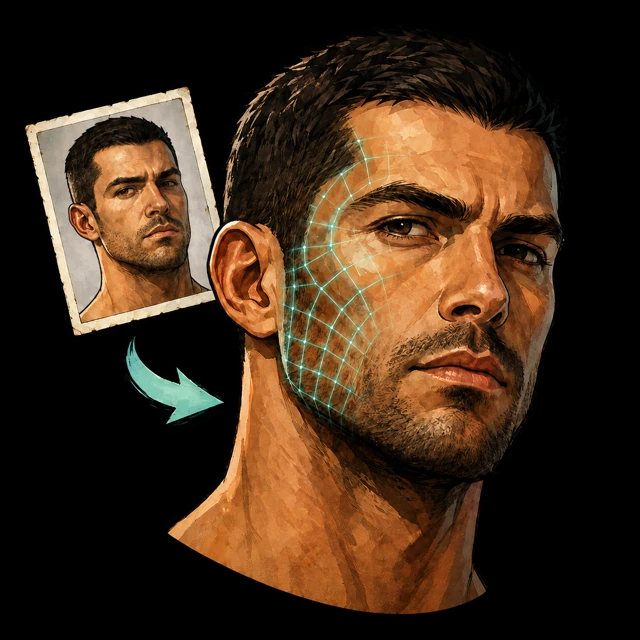
Upload a picture
One clear image of the object on a plain background works best.
- 02
Let the model generate
FiveForge builds the mesh and textures, then shows it in 3D so you can check it.
- 03
Export to FiveM
Download the prop as YDR with textures, collision and ytyp, ready to ensure.
Files
- Takes
.png.jpg.webp- Gives back
.ydr.ytyp.ytdfxmanifest.lua- Price
- 100 credits
Questions
What kind of picture works best?
A single object, well lit, on a plain background. Busy scenes give weaker models.
Is the result a real YDR?
Yes. It goes through the same export as the Prop Creator: YDR, YTD, collision and ytyp.
Can I adjust the model afterwards?
You can open the generated model in the Prop Creator to rescale it and export again.
More tools