Vehicle Editor V2
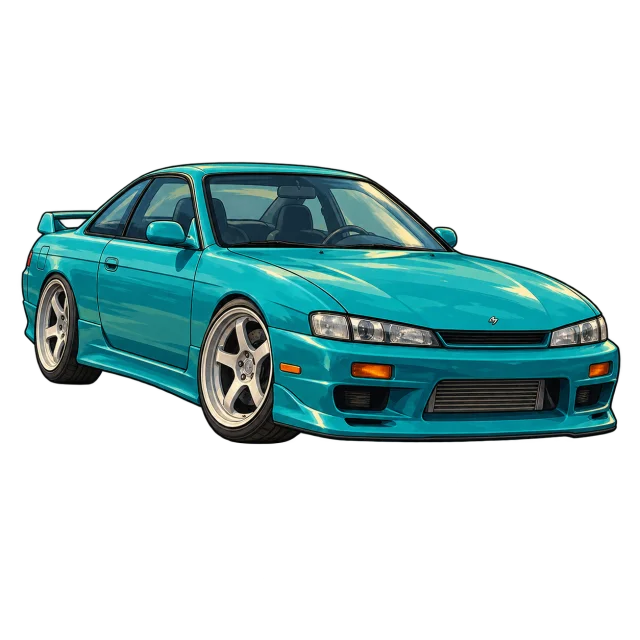
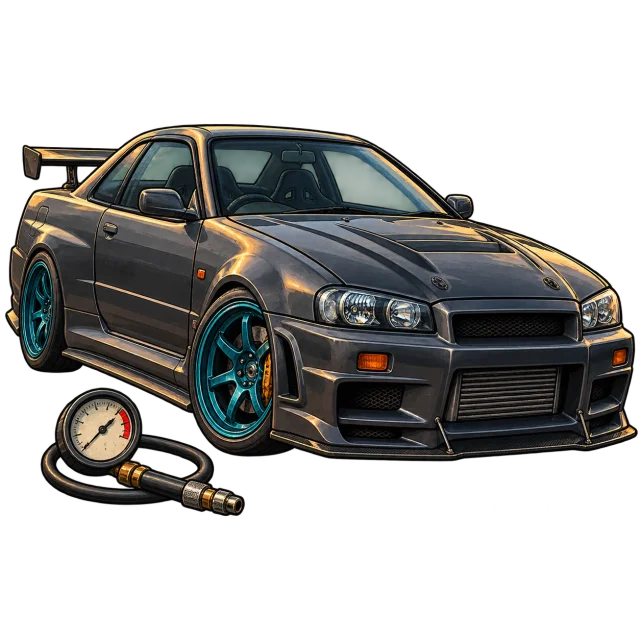
Debadge, rim swaps and bodykits for FiveM cars
Open a car, remove its badges and let Fill / Flush close the holes in the paint, swap rims, add parts and export a working add-on resource. The original textures stay visible the whole time.
20 creditsFree to start with 20 credits
 FiveForge

How it works
- 01
Open the vehicle
Upload the car resource or its YFT and YTD files.
- 02
Edit in the viewport
Click a badge to remove it, run Fill / Flush, pick rims or add parts directly on the model.
- 03
Export an add-on
Download a resource with the edited YFT, textures and metas, ready to stream.
Files
- Takes
.zip.yft.ytd- Gives back
.yft.ytdvehicles.metafxmanifest.lua- Price
- 20 credits
Questions
What does Fill / Flush do?
After a badge is removed it closes the recess or hole in the body so the panel follows the surrounding curve and paint.
Does it keep the original textures?
Yes. The preview uses the car's own textures and the export keeps them.
Can I reuse parts on other cars?
Detached parts and wheels can be saved to My parts and used in other projects.
More tools